Capture GIFs and videos
Roborazzi can record test interactions as animated images: captureRoboGif() captures visually distinct states as a GIF, and recordRoboVideo() records animations frame by frame over virtual time.
Generate gif image
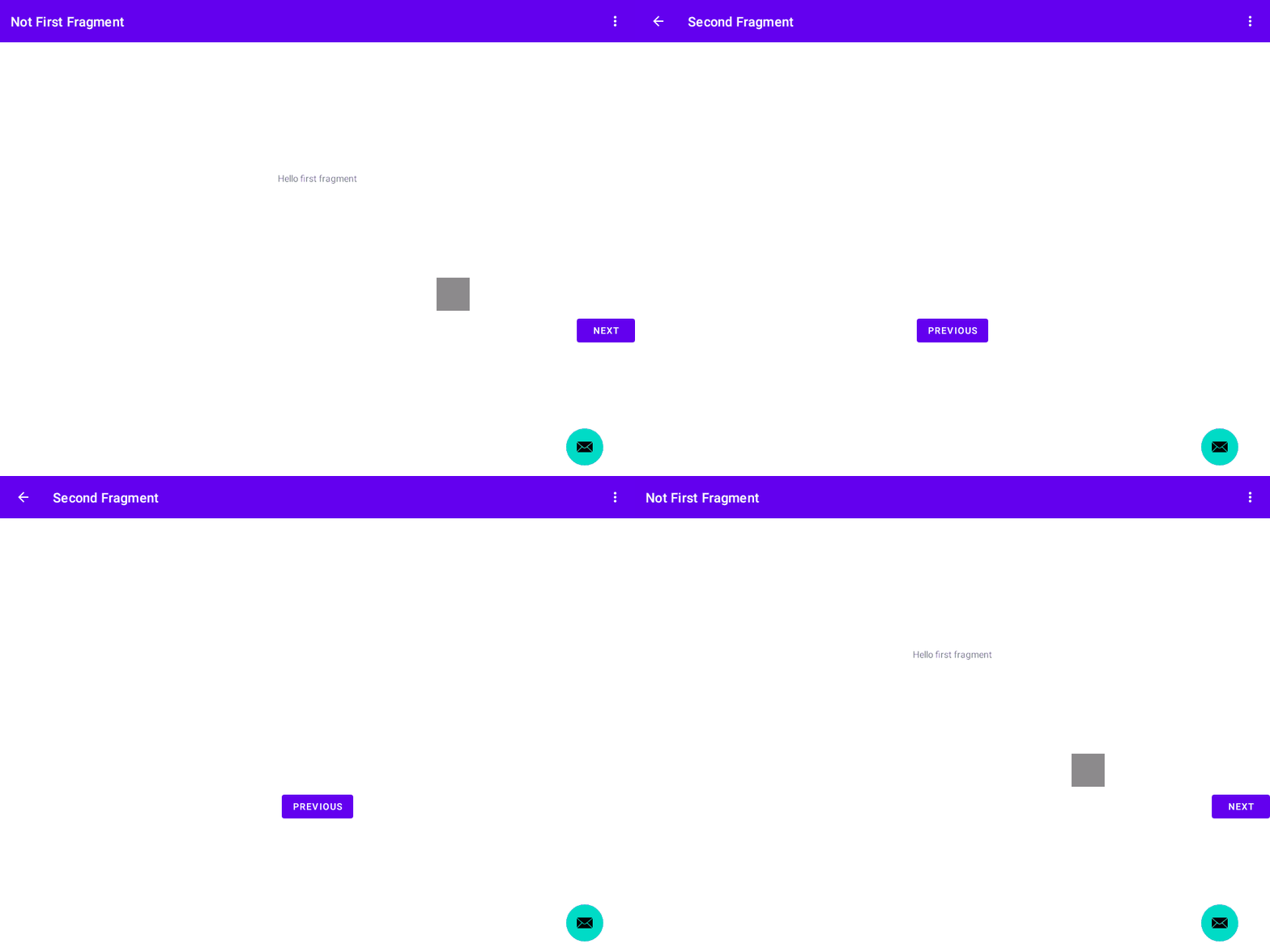
Generate gif with test rule
With the JUnit test rule, you do not need to name the gif image, and if you prefer, you can output the gif image only if the test fails.
This test will output this file.
build/outputs/roborazzi/com.github.takahirom.roborazzi.sample.RuleTestWithOnlyFail_captureRoboGifSampleFail.gif
Generate Jetpack Compose gif with test rule
Test target
Test (Just add RoborazziRule)

Record a video of the UI (experimental)
recordRoboVideo() records how the UI evolves over virtual time -- animations, transitions, gestures and any other time-driven change -- as an animated image that plays back in real time. Unlike captureRoboGif(), which only records visually distinct states with a fixed 1-second delay, it pauses the Compose main clock and drives it frame by frame, so intermediate animation frames are captured with faithful timing. Interactions in the block run with the clock paused; call delay() in the scope to advance virtual time while frames are recorded. After the block returns, recording continues until the UI settles, so a block that only performs a click still records the whole animation the click starts.
RoboVideoOptions:fps(default10),settleTimeoutMillis(additional virtual time to keep recording while the UI is still changing after the block ends; default3000), andbackgroundColor(ARGB fill for the fixed recording viewport when frames have different sizes; default white).Output format is chosen by the file extension:
.gifproduces a GIF (256 colors; the default),.pnga lossless, full-color APNG (Animated PNG) -- prefer.pngwhen color fidelity matters. Only these animated-image formats are supported for now; the "video" name was chosen deliberately so real video formats (e.g. mp4) can be added later without renaming the API.GIF stores frame delays in centiseconds (10ms resolution), so prefer an
fpswhose frame step (1000 / fps) is a multiple of 10ms (e.g. 10, 20, 25, 50) for exact GIF timing. APNG encodes the step exactly.The API is experimental (
@ExperimentalRoborazziApi) and currently only supports recording: when the Roborazzi task runs in compare/verify mode it is a complete no-op -- the block is not executed and no image is recorded or verified.
recordScreenRoboVideo() records all window roots instead of a single node, mirroring how captureScreenRoboImage() relates to captureRoboImage(). Prefer it when you want a stable, device-sized viewport for every frame, or to capture window overlays such as dialogs added mid-recording or touch/tap indicators, which live on separate window roots and are invisible to a node-scoped recording. Usage is the same, just without node scoping:
Because the recorder idles the Robolectric main Looper in lockstep with the Compose main clock, suspend-based gesture drivers make progress while frames are recorded. For example, you can drive a swipe with saket/touch-robot from a LaunchedEffect, use recordScreenRoboVideo() so the touch indicator overlay is captured, and just pump virtual time in the block: